Reports Page Overview
Our Reports page puts your data right at your finger tips. Company and Store Admins can access reports from their Brilliant Client Dashboard by navigating to Insights > Reports from their left side navigation panel.
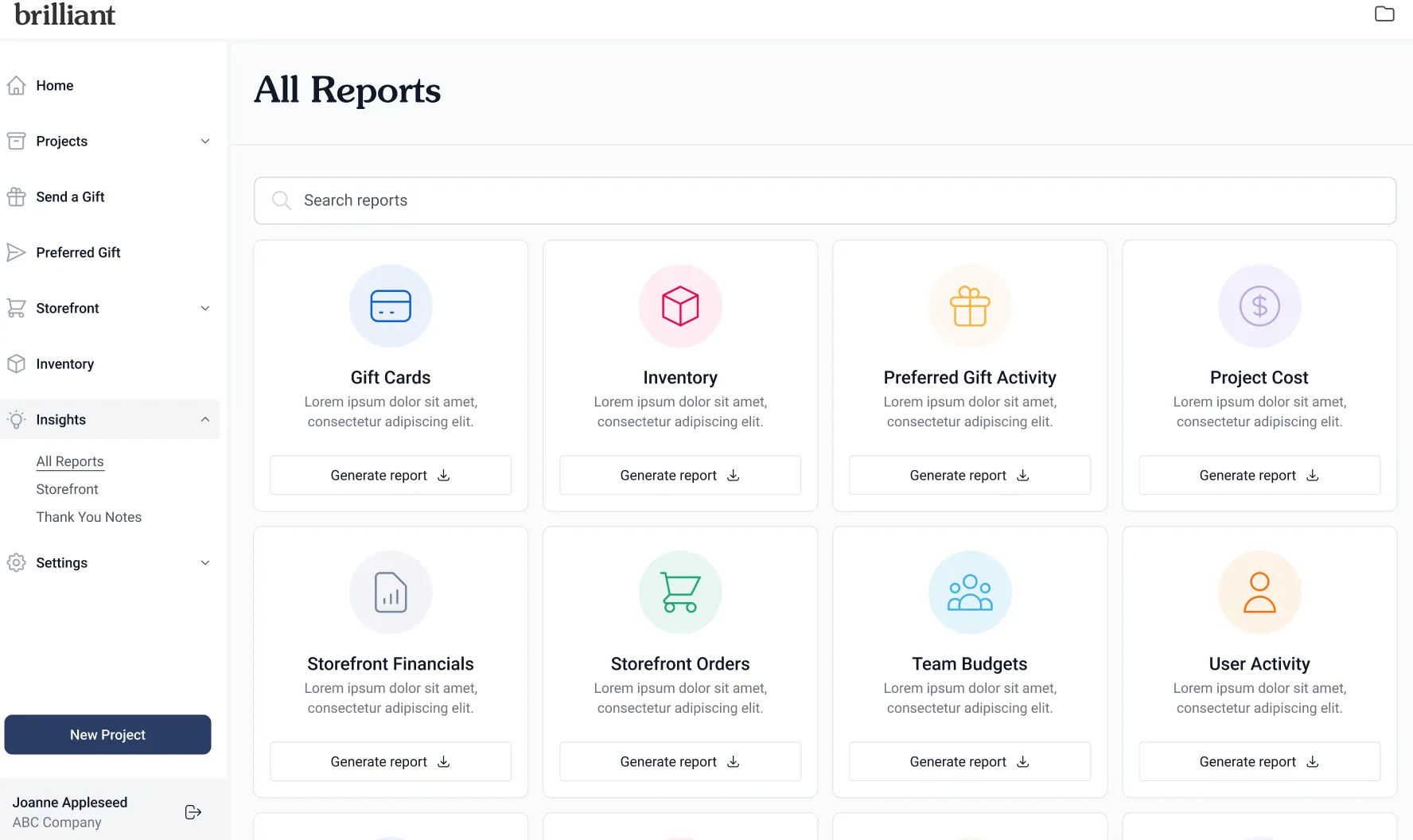
Logged in users have access to data for the Custom Order Invoices, Storefronts and Preferred Gift Campaigns they have access to.
Store Admins will always have access to all the Preferred Gift Campaigns and Statements associated with the Storefront(s) where they are an admin.
Your Brilliant Account Manager can help you set up special user permissions for users who made need additional access to your company’s data. The following permissions can grant additional access to certain team members as needed:
Accounting User: These users have access to all Custom Order Invoices and their related data in your account, but do not have access to Storefront, Preferred Gift Campaign or monthly Statement settings or data.
Company Admin: These users have access to everything in your Brilliant account - all data, all invoices, all statements, all platform features and settings. Think of this role as a Super Admin.
See more about our Storefront User access levels here.
Current Reports Available:
Current reports available in our Reports dashboard include:
Categorized Spend Report: Pull all of your Brilliant Invoice Spend Data across Projects, Storefronts, Preferred Gift Campaigns and Monthly Statement Invoices into a single report. Slice and dice by spend categories like product, shipping, fulfillment fees, taxes, credits and more.
Store Order Spend Report: See all of your Store Orders (an order sent from a Brilliant warehouse to a final destination) placed across your Storefronts, Preferred Gift Campaigns, Send a Gift Sends, and drop ship lists for Projects. Each Store Order is a line item on this report.
Preferred Gift Campaign Response Report: Review responses collected across your Preferred Gift Campaigns in a single report. Each response sent to recipients is a line on this report.
Promo Code Usage Report: Keep tabs on Promo Code usage in your Storefronts. Each promo code use at checkout is a line on this report.
Access more detailed report specific descriptions, including column by column field definitions, from each report’s specific help guide linked above.
Each report allows you to filter your data set to a specific date range and by attributes like specific Storefronts or Projects. Our reports included inactive Storefronts and Campaigns, as well as cancelled orders and invoices, to give you a complete view of your all time data in Brilliant.