Require SSO Authentication for Preferred Gift Campaigns
Your Brilliant Account Manager can work with our Implementation Team to enable a Required Authenticated Recipient setting on any of your Preferred Gift Campaigns.
When enabled, recipients will be directed to our normal Sign On screen for recipient audiences using Google Workspace for SSO. They will be required to authenticate via Google before they can reach the landing page and submit a form response.
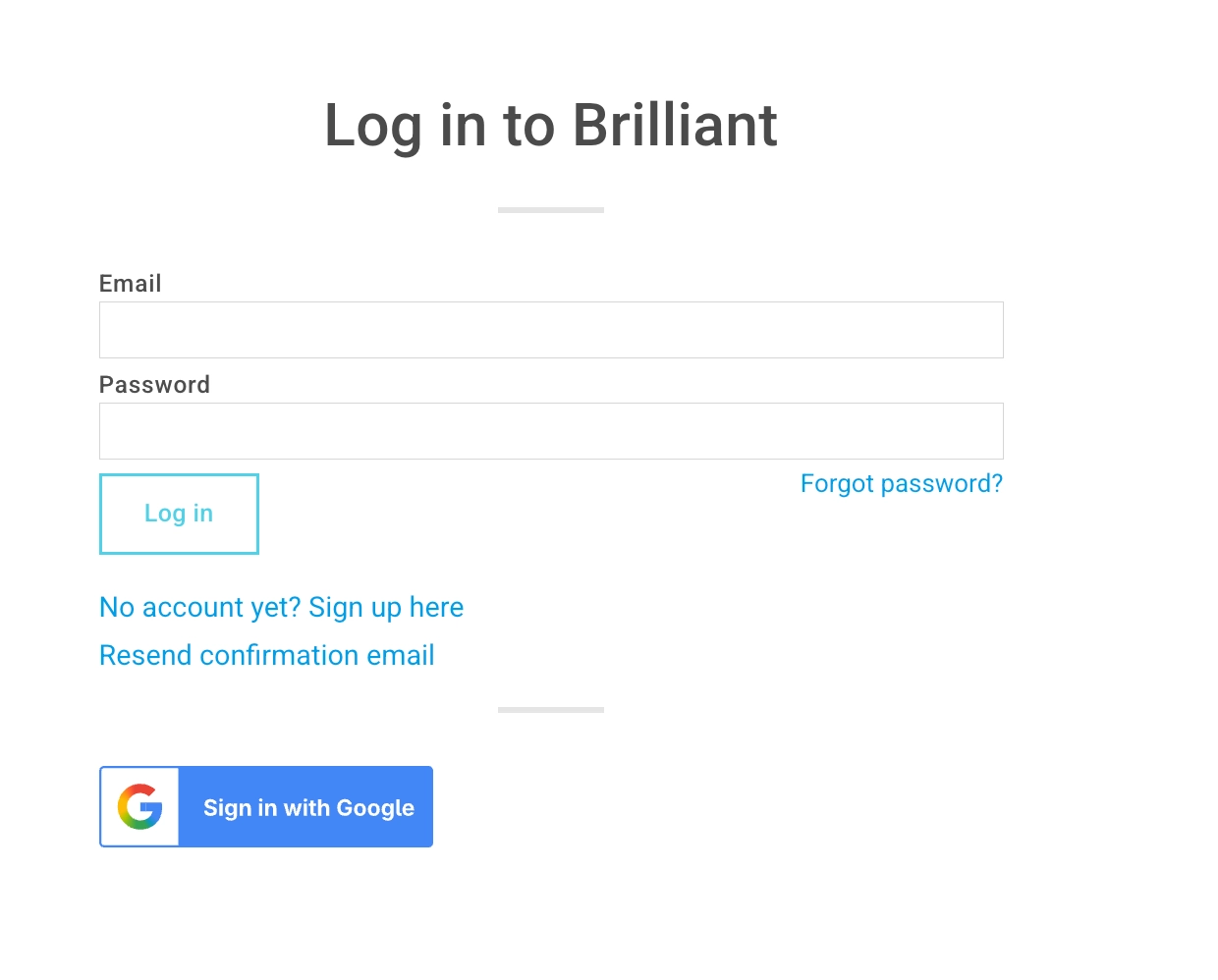
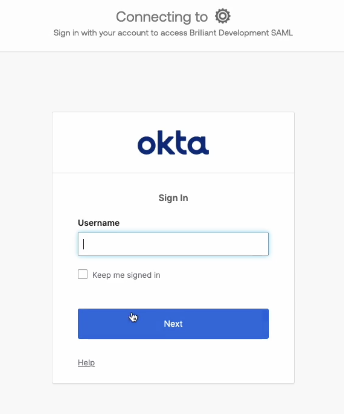
For users who have SSO solutions like Okta or Azure enabled, recipients will be taken to their designation sign in URL. They will then be required to authenticate via SSO before they can reach the landing page and submit a form response.
We do not recommend this setting for users sending campaigns to audience using multiple types of authentication. In this instance, we'd recommend enabling our Email Verification requirement to campaigns for an extra layer of security.