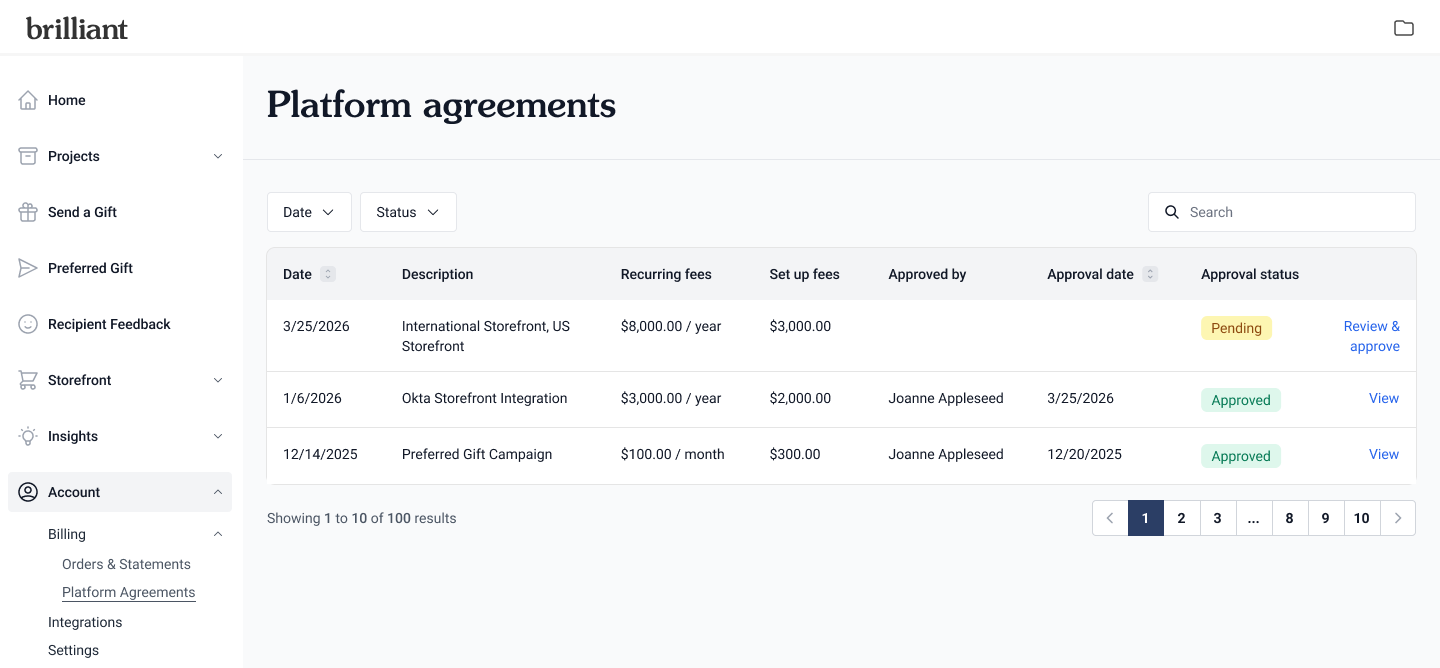
Platform Agreements
In July 2026, we updated our process for sending out platform billing agreements. You can now view and approve Platform Agreements under Account > Billing > Platform Agreements.
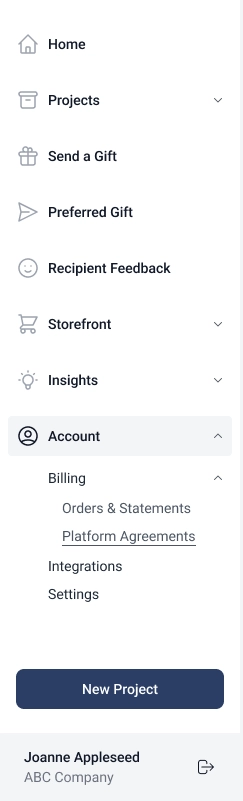
Accessing Pending and Approved Platform Agreements
When the Platform Agreement is ready to view, you'll receive an email from us that includes the agreement details and a link to view in your dashboard.
You can also navigate to the agreement in your dashboard by Account > Billing > Platform Agreements and clicking Review & approve of the agreement that needs approval or clicking View for an approved platform agreement.
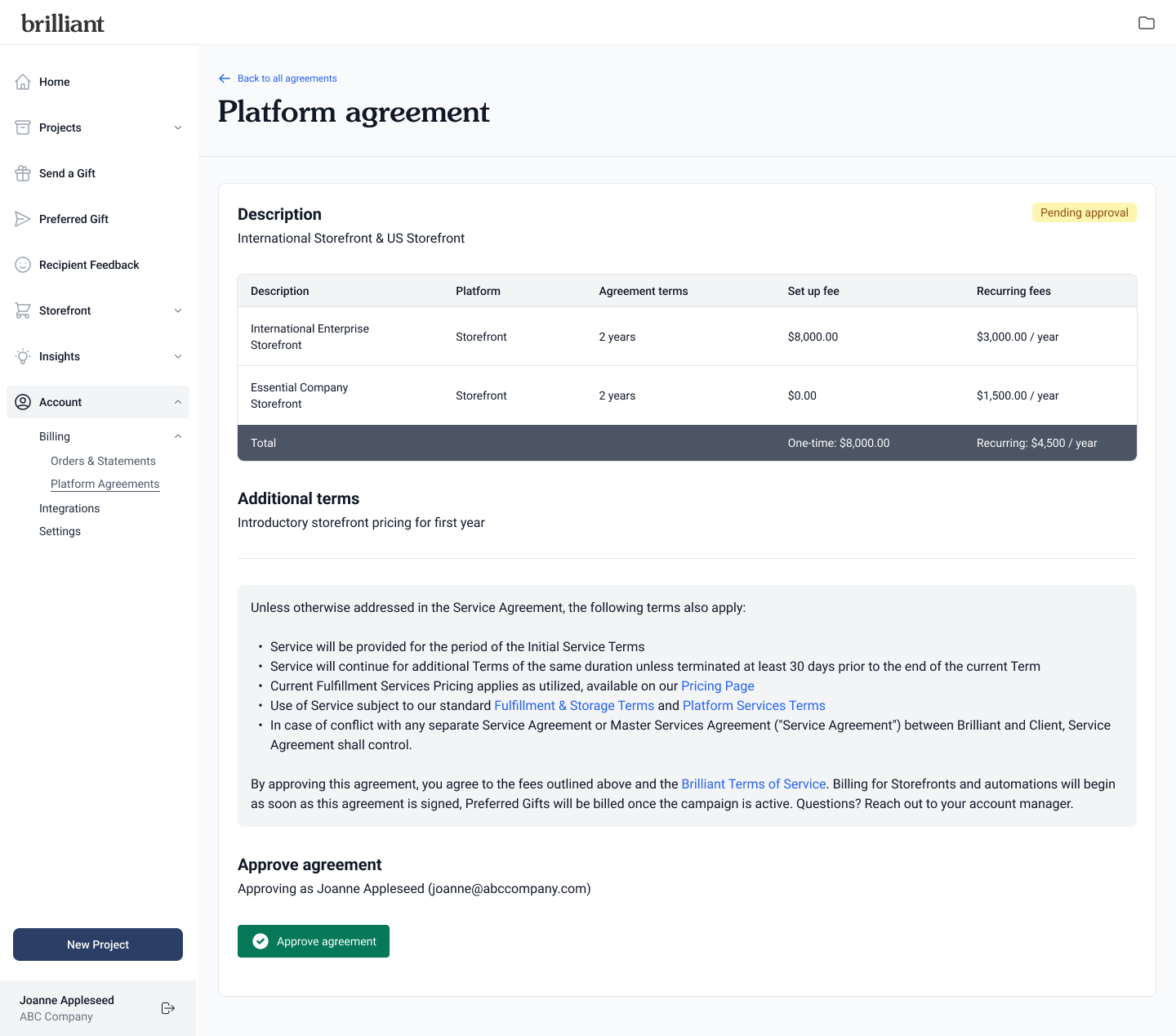
Approving Your Platform Agreement
Your platform agreement includes all pricing information, specific notes from your Account Executive or Account Manager, and Brilliant's terms.
When you're ready to approve the agreement, click Approve agreement.
If you have questions or feedback on the agreement before approving, please reach out to your Account Executive or Account Manager.