Orders & Statements
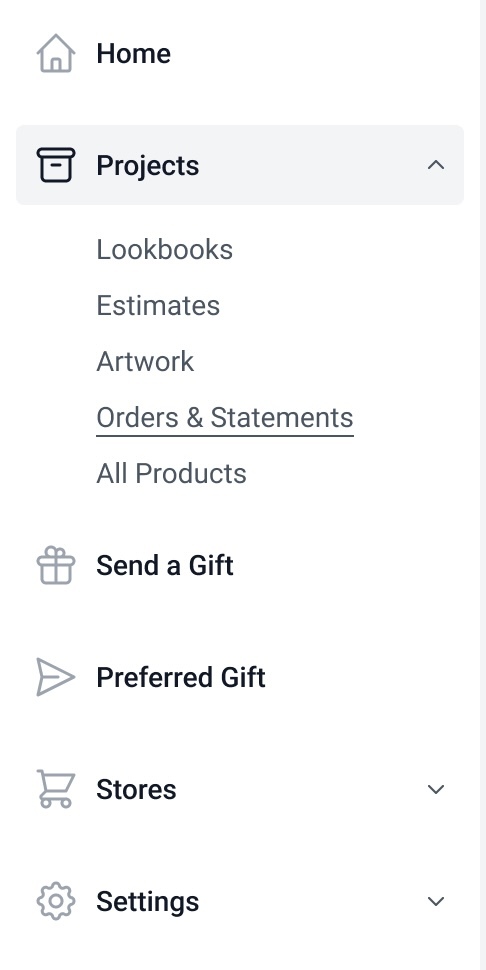
Under the Projects shortcut on the left side navigation, users will find Orders & Statements when logged into their Brilliant dashboard.
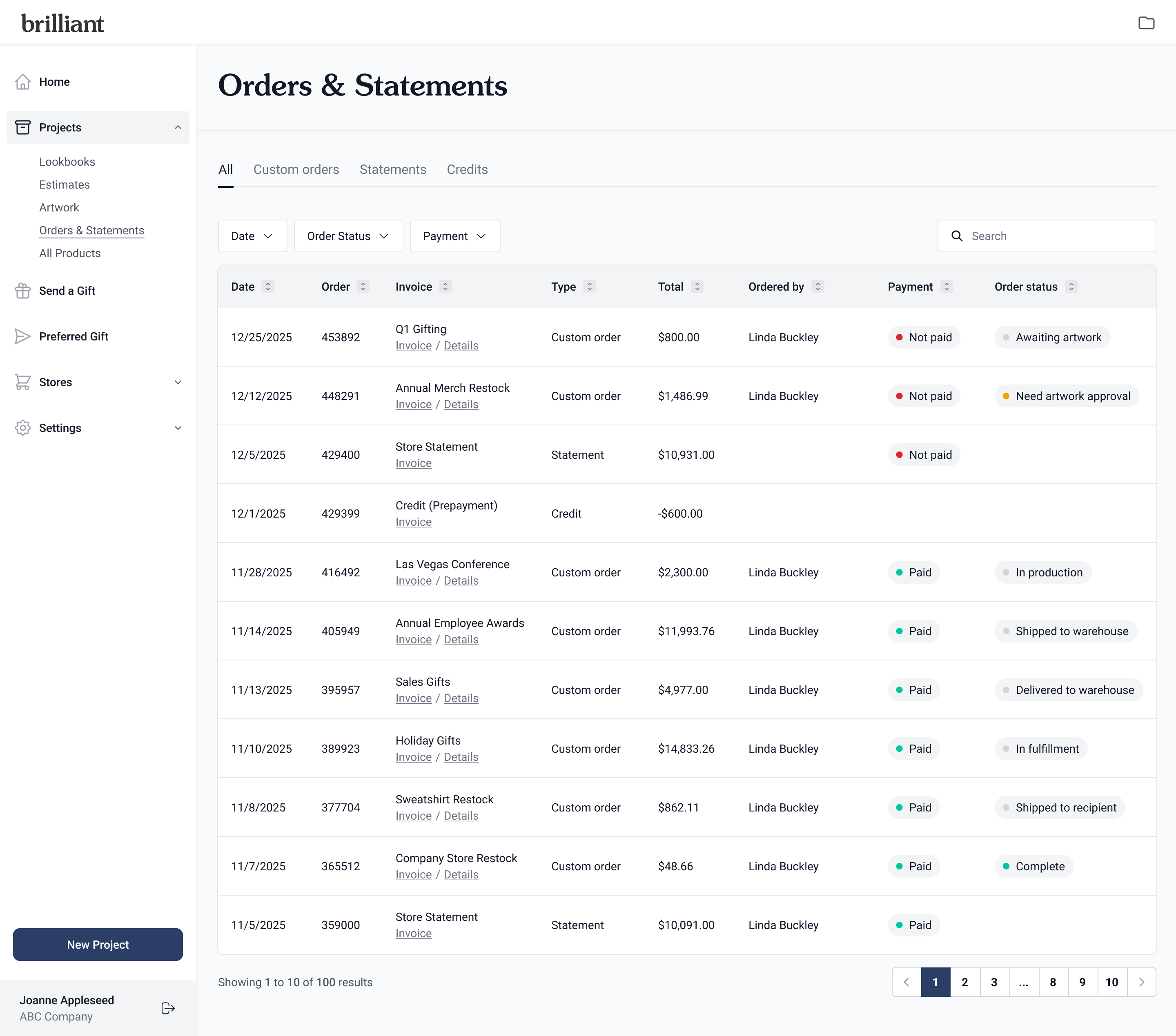
Clicking Orders & Statements takes users to a list view of all orders and statements. This default view displays the date, order number, invoice name, type, amount total, the person who placed the order, payment status, and order status.
Users have the ability to filter by date, order status, and payment status. They can also search by order number, invoice name, or the person who placed the order.
Custom orders
A list of orders that include date, order number, invoice name, purpose type, amount total, the person who placed the order, payment status, and order status. Users will have the option to click into the Invoice and Details, which routes the user to the Order details page [link to Order details help article].
The Purpose helps users understand at a glance the type of order placed:
Direct ship: Order shipped directly from a supplier to the end recipient
Kit & fulfill: Store kits fulfilled by Brilliant’s warehouse
Storefront: Order created and sent from a Project or Storefront
Supplemental invoice: Invoice generated with additional charges after the placement of the initial order
Other
Statements
A list of invoice statements that include date, order number, invoice name, amount total, the person who placed the order, and payment status. Users can also click Invoice to view additional details.
Credits
A list of credits that include date, order number, invoice name, credit total. Users can also click the Invoice to view additional details.