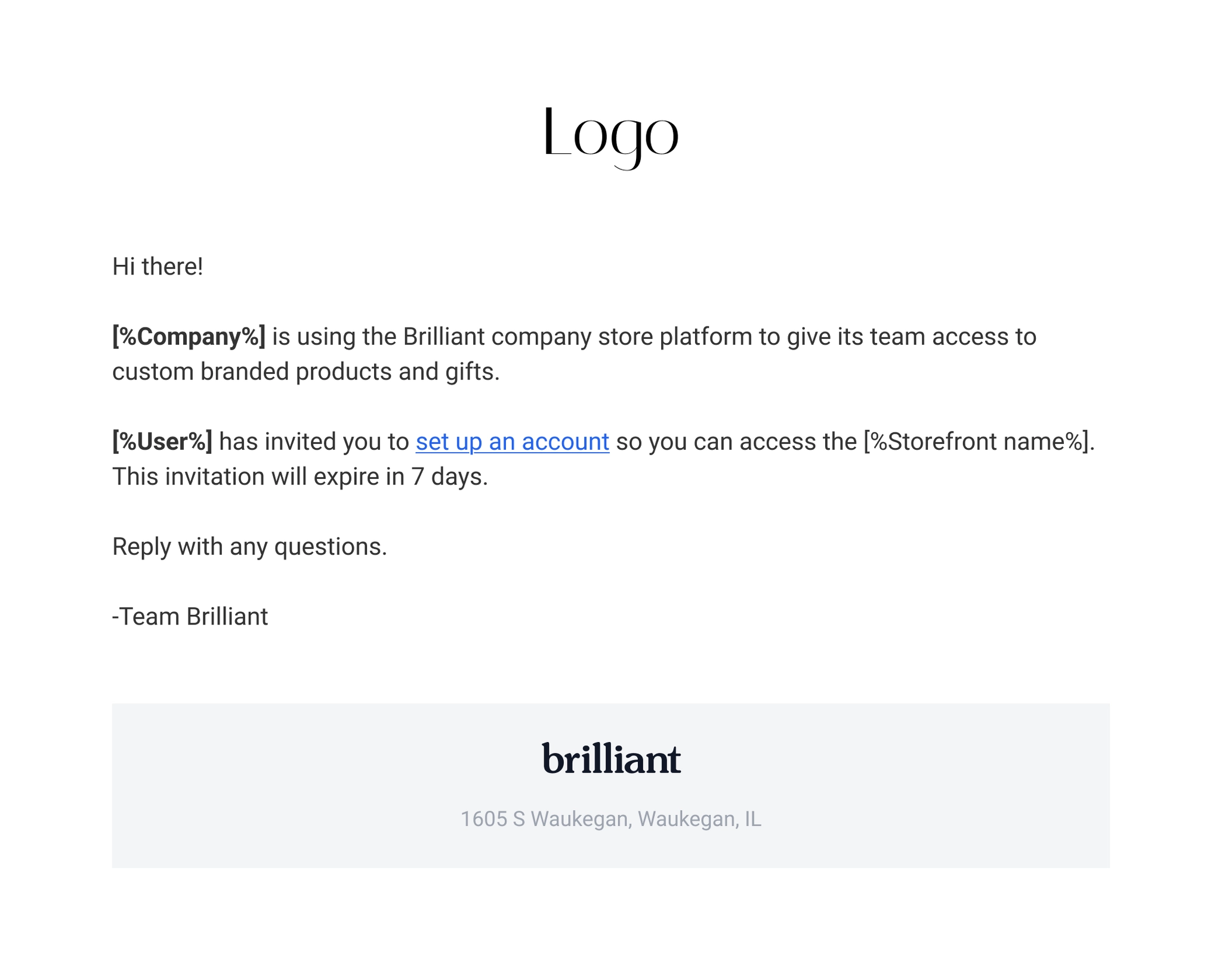
Storefront User And Preferred Gift Campaign Recipient Invitation Link Expiration
Our March 2026 release introduced updates to improve the security and reliability of campaign and Storefront invitation links used in the Brilliant platform.
Storefront user invitation links and Invite-Only Preferred Gift Campaign recipient links now automatically expire 7 days after they are created.
Most recipients redeem their gifts quickly (our average is ~3 days), so this timeframe ensures plenty of time for intended recipients while helping keep campaigns secure.
Preferred Gift Campaign Recipient Link Expiration
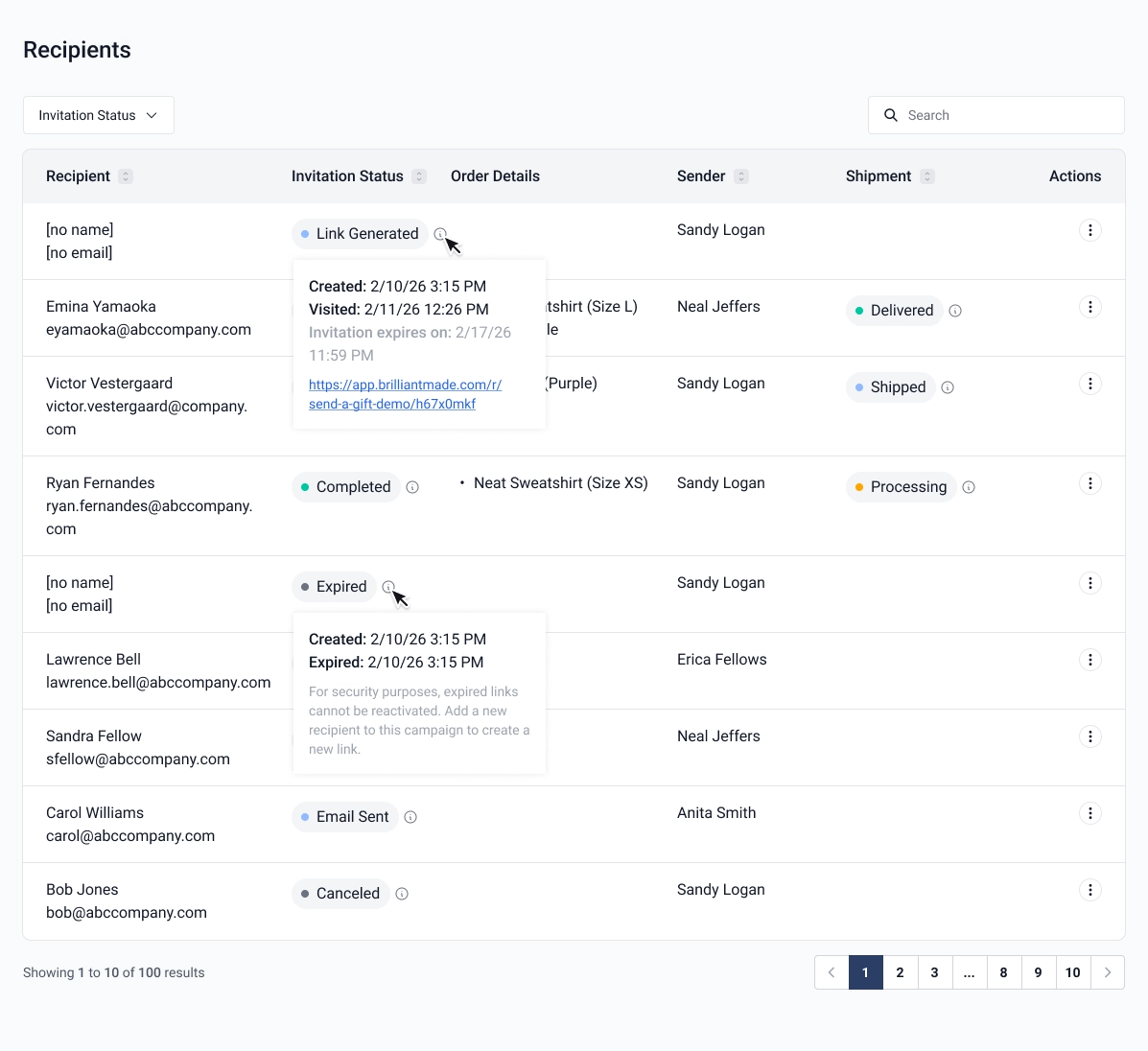
Recipient links created for Invite Only Preferred Gift Campaigns will now expire 7 calendar days after they are crated. Links will expire at 11:59pm PST on their expiration date.
Once a link has been expired, it can never be used again. We’ll instead regenerate and send a new unique link on an on demand basis after links have expired. We will never automatically resend an expired link.
Links will now have an Expire At date and time stamp in the Preferred Gift Campaign admin dashboard. The dashboard shows both when the link will expire and when the link has expired, as seen below in the hover state for Invitation Status.
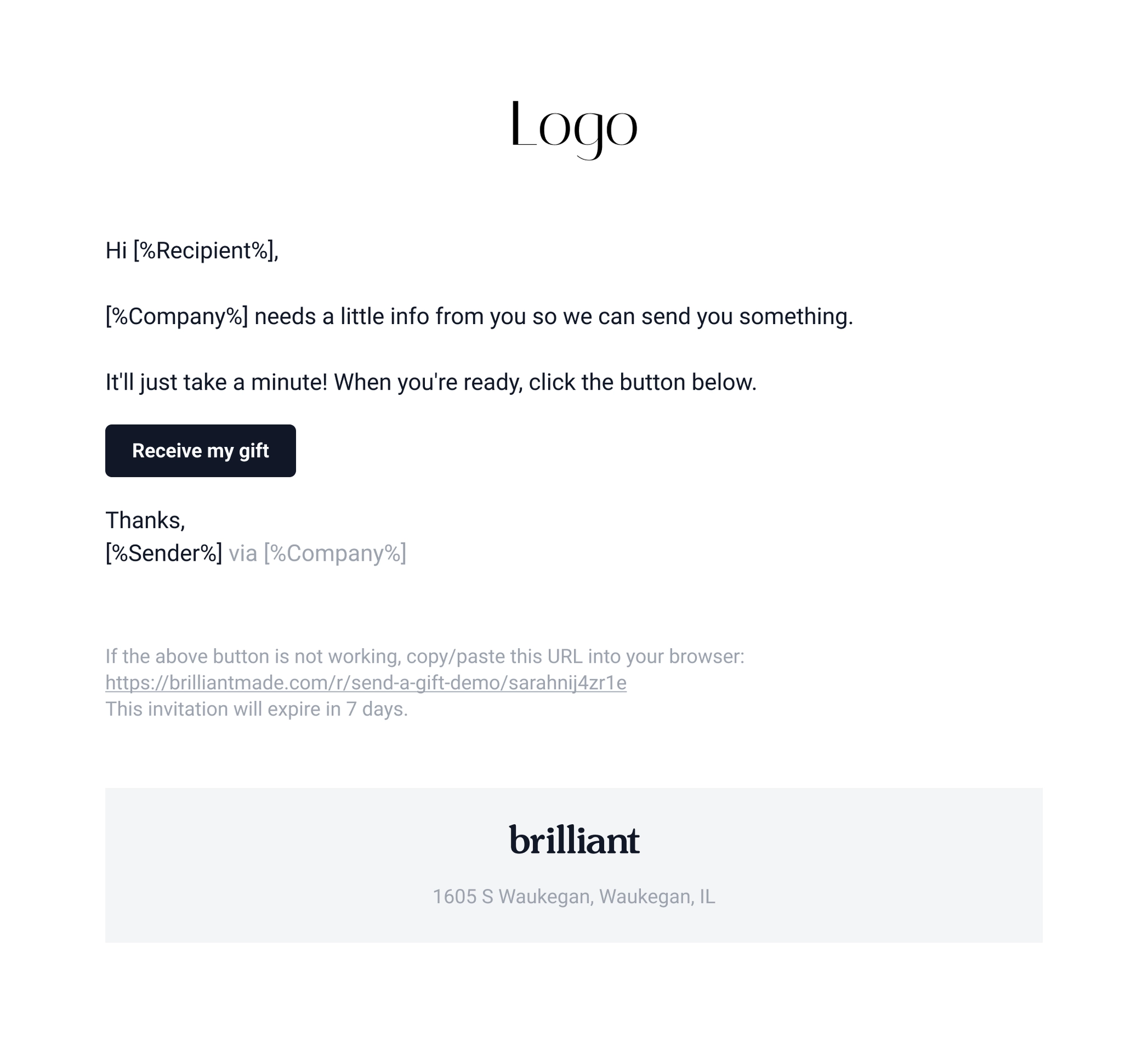
We’ve also updated the email sent to the recipient to mention that the invitation link expires in 7 days.
Generating New Links for Expire Recipient Links
Admins can use the existing Resend Email button to generate a new link and send a new email with that link to the recipient in one click.

🚨 This feature only works for links associated with an email address at the time the link was generated. For links generated without email addresses, a completely new link will have to be generated by the admin user.
Budget Impacts when Links Expire
When a link expires, if the sender used their Budget for this send, we will return the held budget amount to their overall Budget. This works the same as when a send is cancelled today. If a new unique link is generated for an expired recipient link, we’ll then place a new hold on the users's budget. Users will not be able to regenerate a link if they don’t have remaining budget amounts.
Storefront User Invitation Link Expiration
User invitation links will now expire 7 calendar days after they are crated. Links will expire at 11:59pm PST on their expiration date.
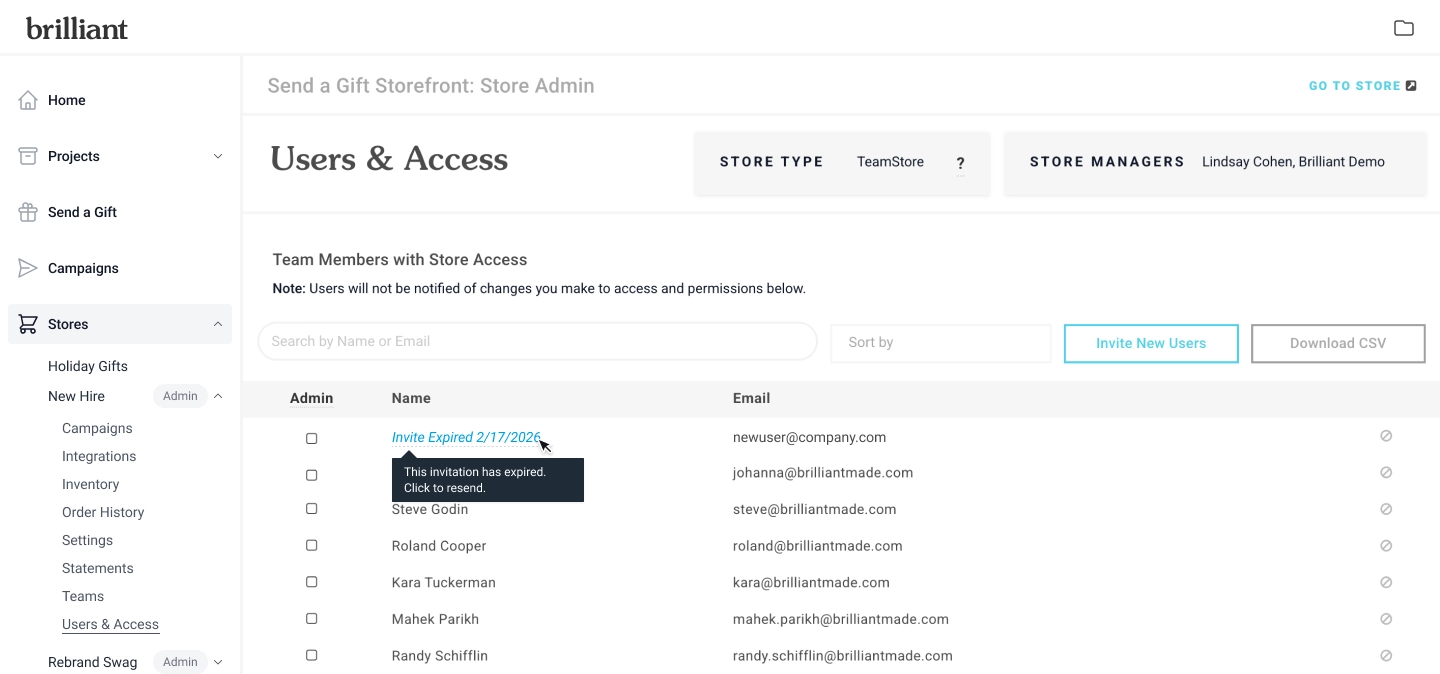
Admin users will be able to see that a user’s invitation has expired under Storefront > Users & Access. Hover over the ‘Invite Expired’ message and then click the text to resend the invitation to the user in question.
We’ve also updated the email sent to the recipient to mention that the invitation link expires in 7 days.