Restrict Email Domains for Recipient Submissions on Preferred Gift Campaigns
When building out your Preferred Gift Campaign, there are additional optional controls you can put in place on who can submit responses. Your Brilliant Account Manager can help coordinate setting up email domain restrictions as part of your implementation.
There are the following options for email domain restriction for Preferred Gift Campaigns:
Restrict Email Domains: Restrict submissions only to recipients with certain email domains, i.e. brilliantmade.com.
This is a great option for internal gifting programs to ensure employees use their work email address.
Block Free and Person Email Domains from Submitting: Do not allow recipients with free / personal email domains (i.e. gmail.com, hotmail.com) from submitting to the campaign.
This is a great option for B2B public campaigns that want to allow anyone with the link to submit a response, provided they are using a business email address.
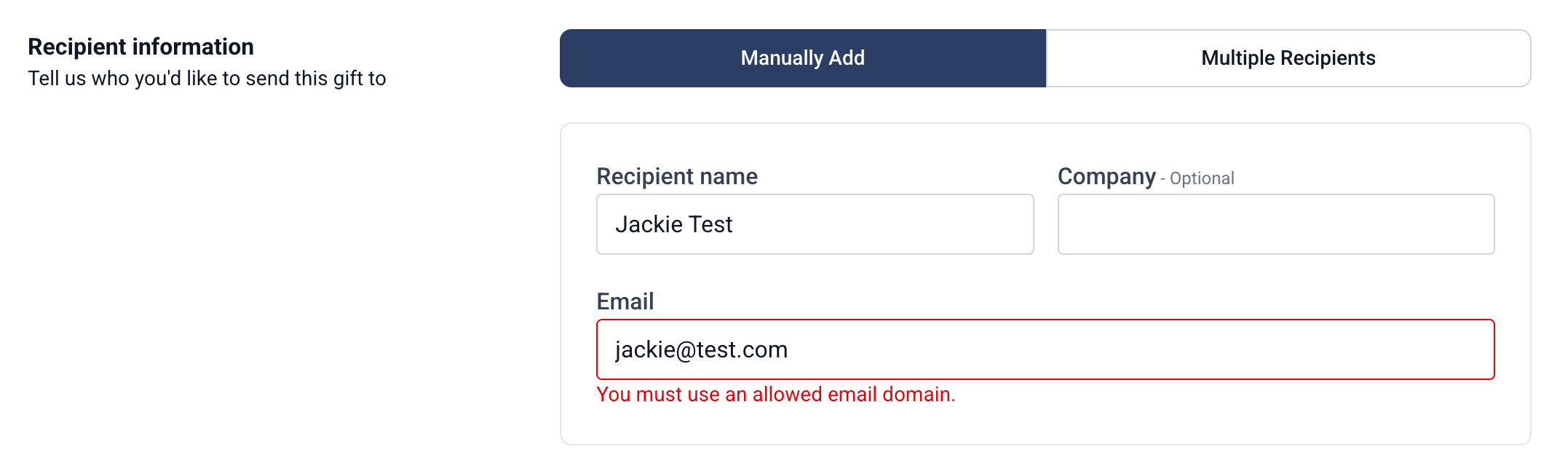
If a user at your company with access to the Send a Gift workflow or a Preferred Gift Campaign via our client portal attempts to add an recipient to a campaign with a disallowed email address, they'll receive an error message. For security reasons, we do not show the allowed domains here.
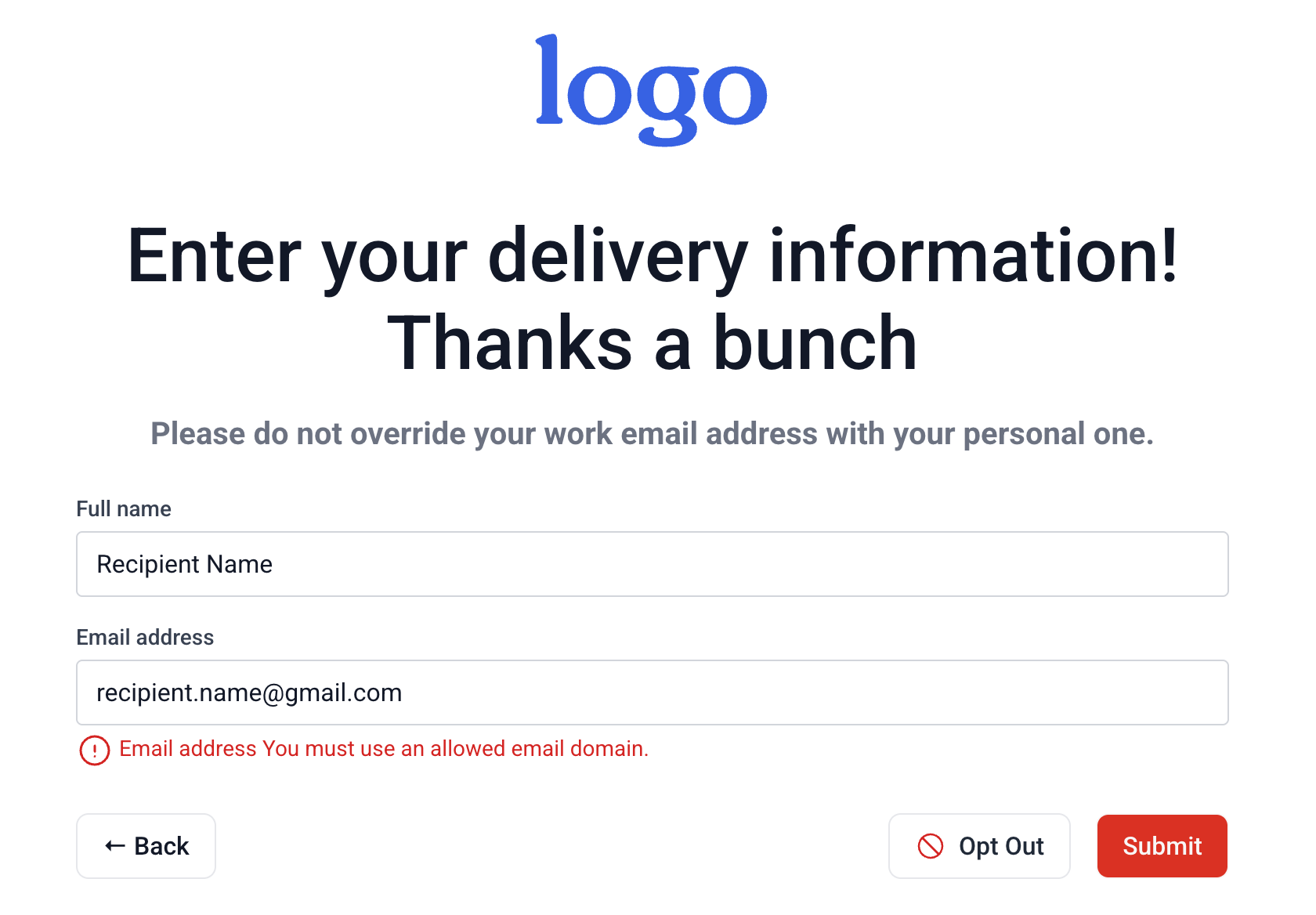
If a recipient attempts to enter a disallowed email address to submit a response, they'll receive an error message as seen below. We also do not show the allowed domain options here for security reasons.
These email domain restriction settings are great ways to layer in additional controls to your Campaign. Reach out to your Account Manager for help turning this feature on in your existing Campaigns.